Voice Recording. Transcription. AI Notes.
All on your Mac.
Native macOS app — no bots join your calls. Works with Zoom, Google Meet, Slack, Teams and any other app.
Requires macOS 14.0 Sonoma or later
AI Notes Taker is a native macOS app that captures system audio directly — no bot joins your call, no one knows you're recording. Works seamlessly with Zoom, Google Meet, Slack, Teams, or any other app. Your meetings stay natural and uninterrupted.
Everything you need to capture and organize your thoughts
Record mic + system audio with ⌘R. Start capturing meetings, lectures, or ideas instantly.
WhisperKit runs locally on your Mac. No internet needed, your audio never leaves your device.
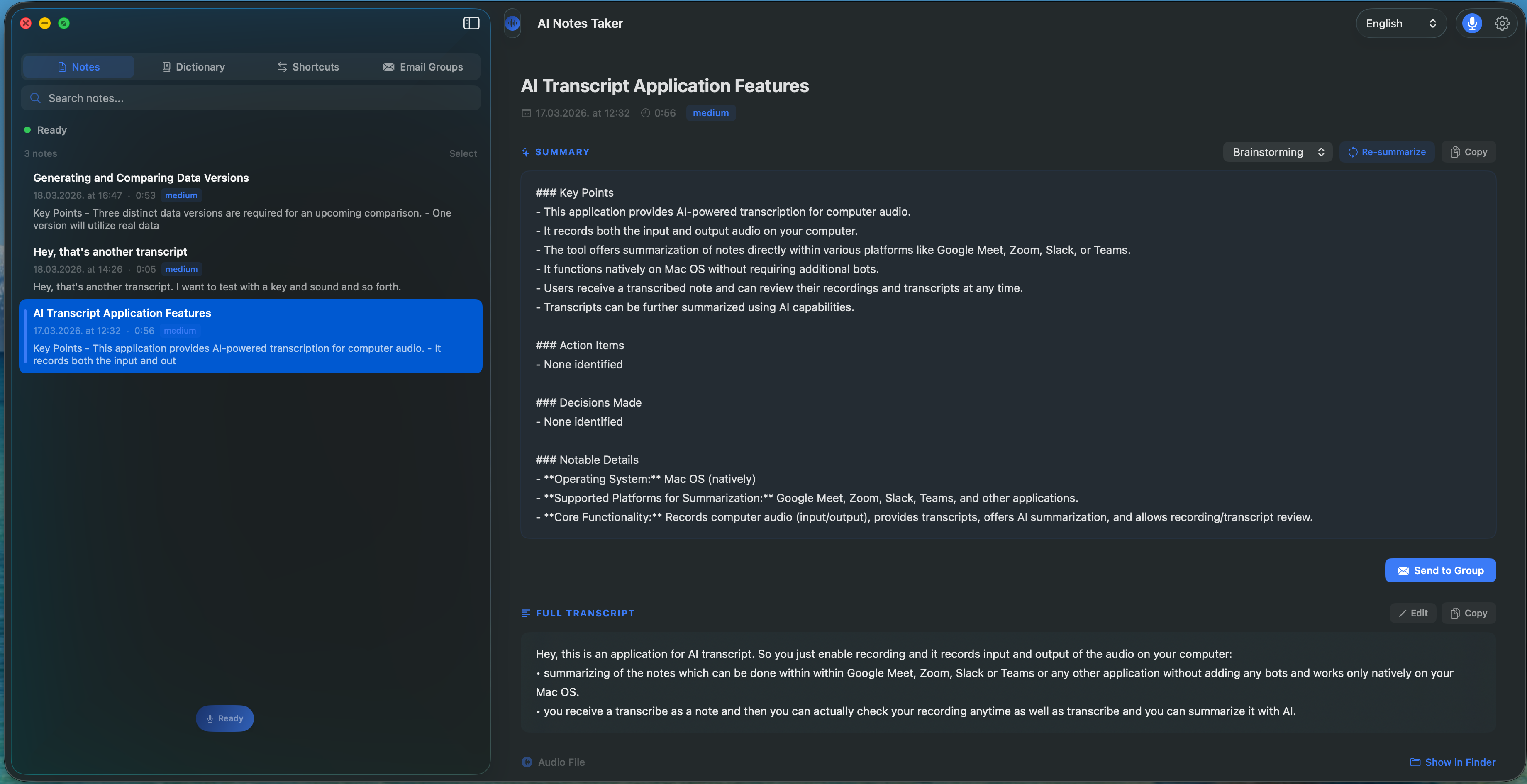
Extracts key points, action items, and decisions. Choose from multiple templates — Meeting Notes, Lecture, Interview, and more.
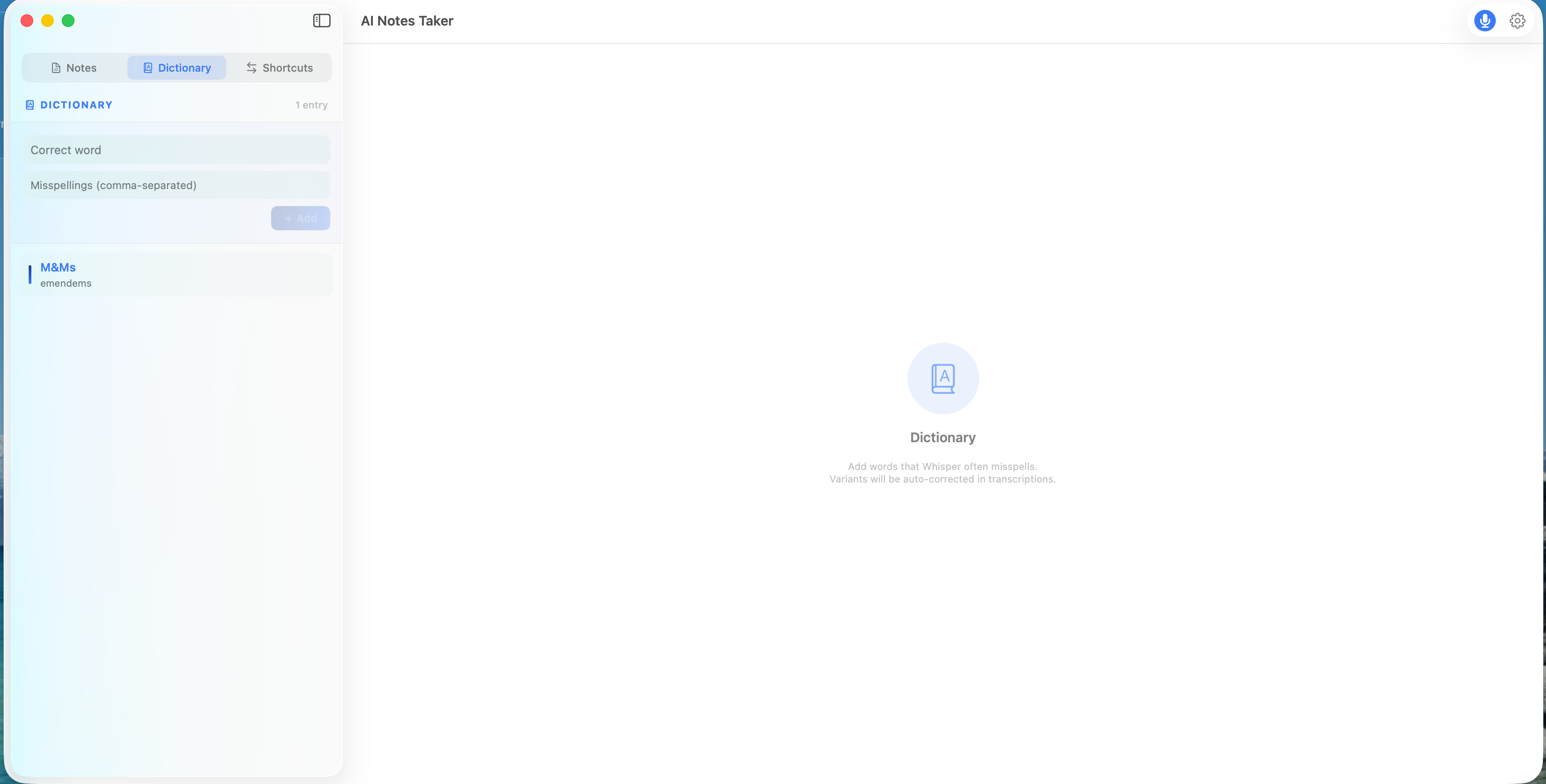
Add words Whisper often misspells — variants are auto-corrected in transcripts and fed as context to improve recognition.
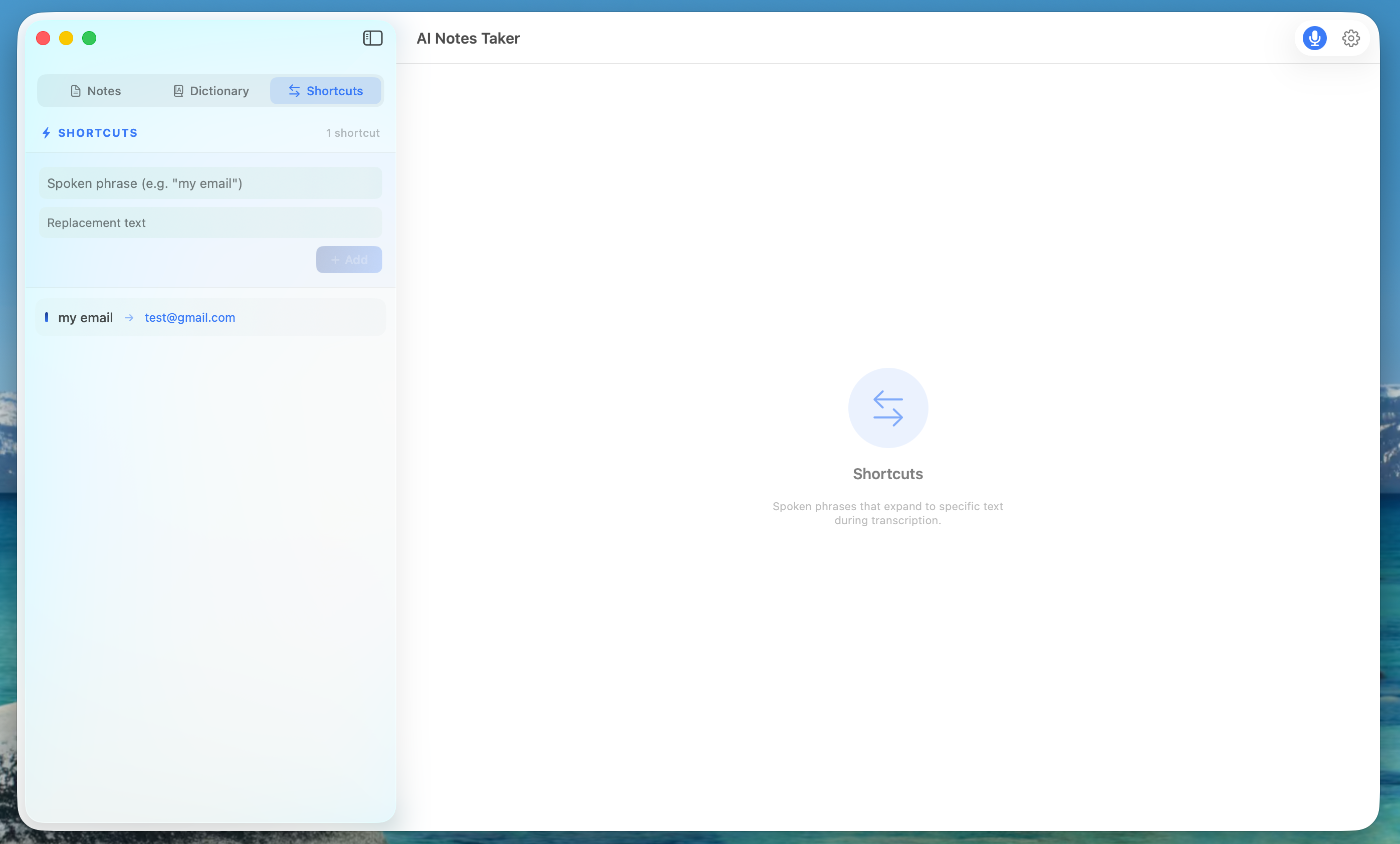
Spoken phrases that expand to specific text — e.g., say "my email" and it becomes your actual email address.
Quick record from the menu bar. Always accessible, never in the way.
Fix misheard words inline after transcription. Your notes, your way.
Spoken sequences like "first, second, third" are automatically converted to clean numbered lists.
Notes are automatically named from transcript content or AI summary.
Send AI summaries to email groups — share meeting notes with your team in one click.
Pick the right format for every context — Meeting Notes, Lecture, Interview, Brainstorm, or Quick Summary.
Main View
Dictionary
Shortcuts
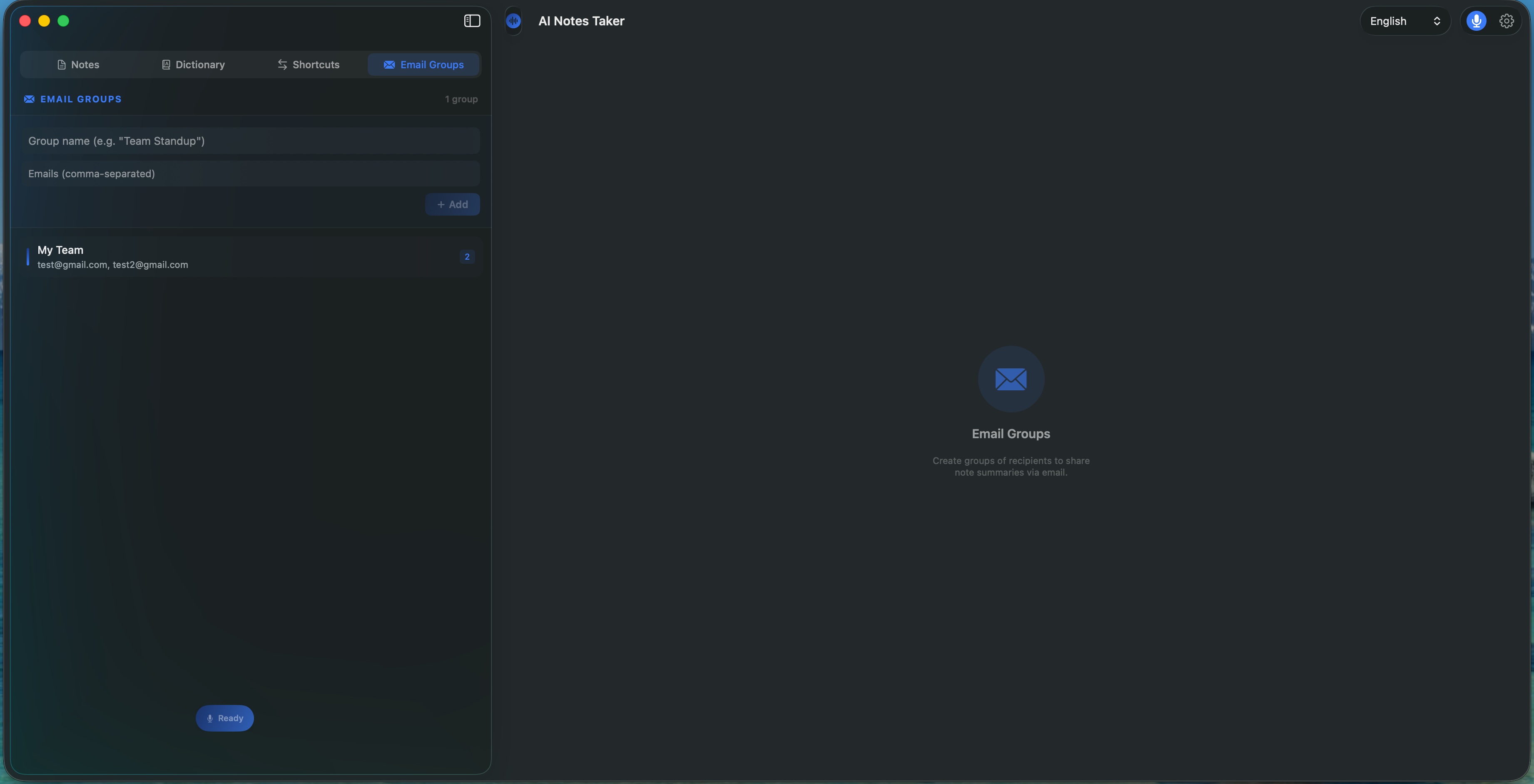
Email Groups
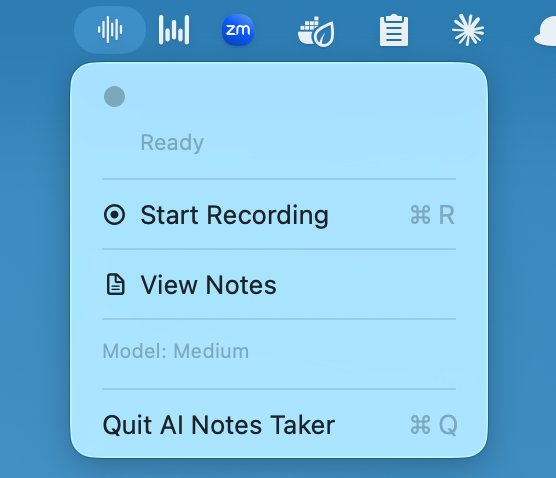
Menu Bar Widget
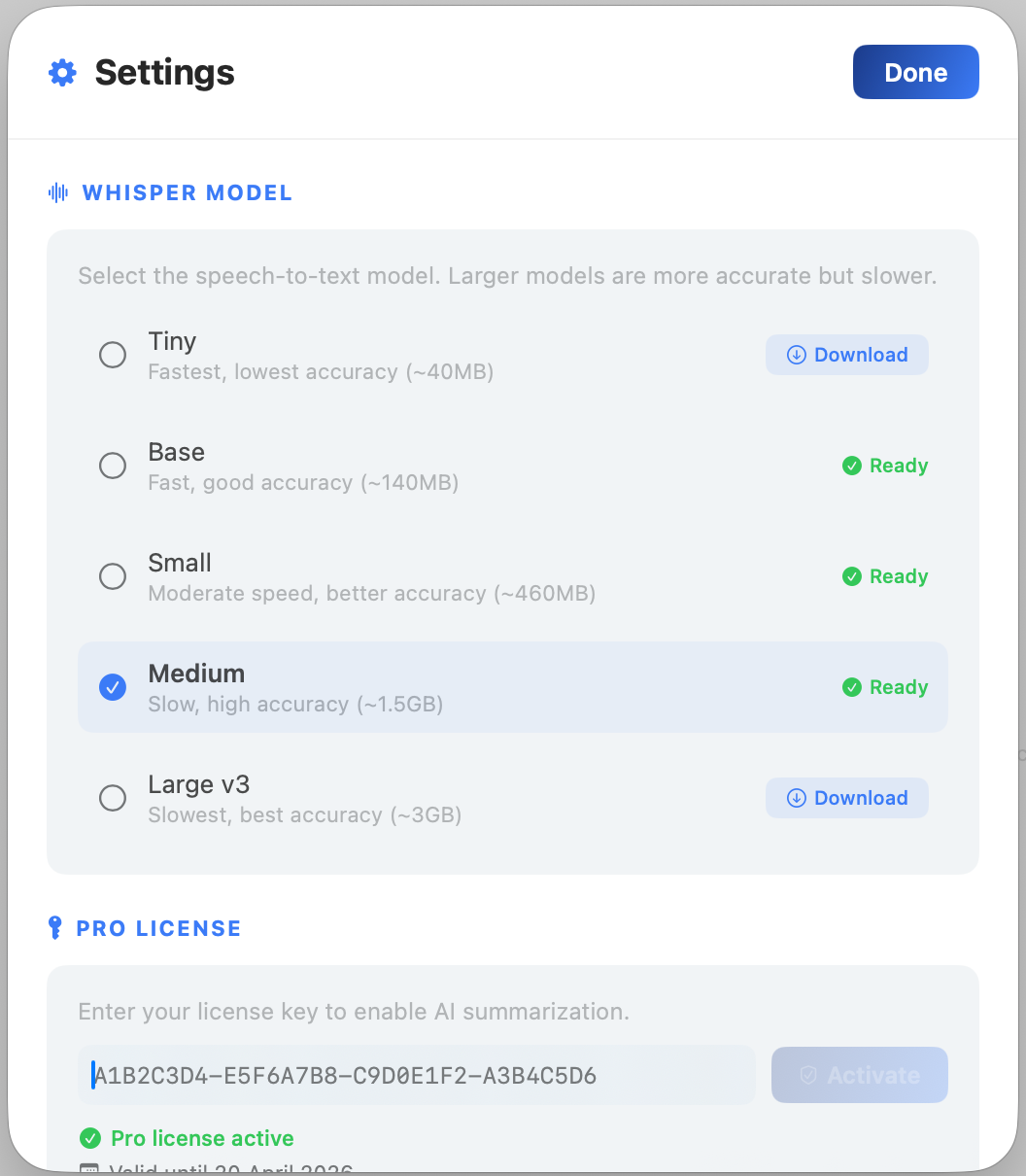
Settings
Three simple steps
Or press ⌘R
On-device, private
Key points & action items
AI Notes Taker is an AI-powered voice transcription tool that turns any audio into structured notes
AI Notes Taker records audio from any source, transcribes it locally on your Mac using WhisperKit — completely offline and private — and builds a searchable library of transcripts you can edit and organize.
It captures system audio natively, so it works with any app — Zoom, Google Meet, Slack, Teams, FaceTime, or even a YouTube video. No bot joins your call, no one knows you're recording.
All recordings stay on your Mac, attached to their transcripts — you can always go back and listen to the original audio to verify what was said.
Start free, upgrade when you need more
Everything you need to get started
$0 / forever
Unlock the full power of AI Notes Taker
$4.99 / month
Start recording and transcribing right away
macOS 14.0 Sonoma or later